Den for Readers
Comfy Feed Browsing
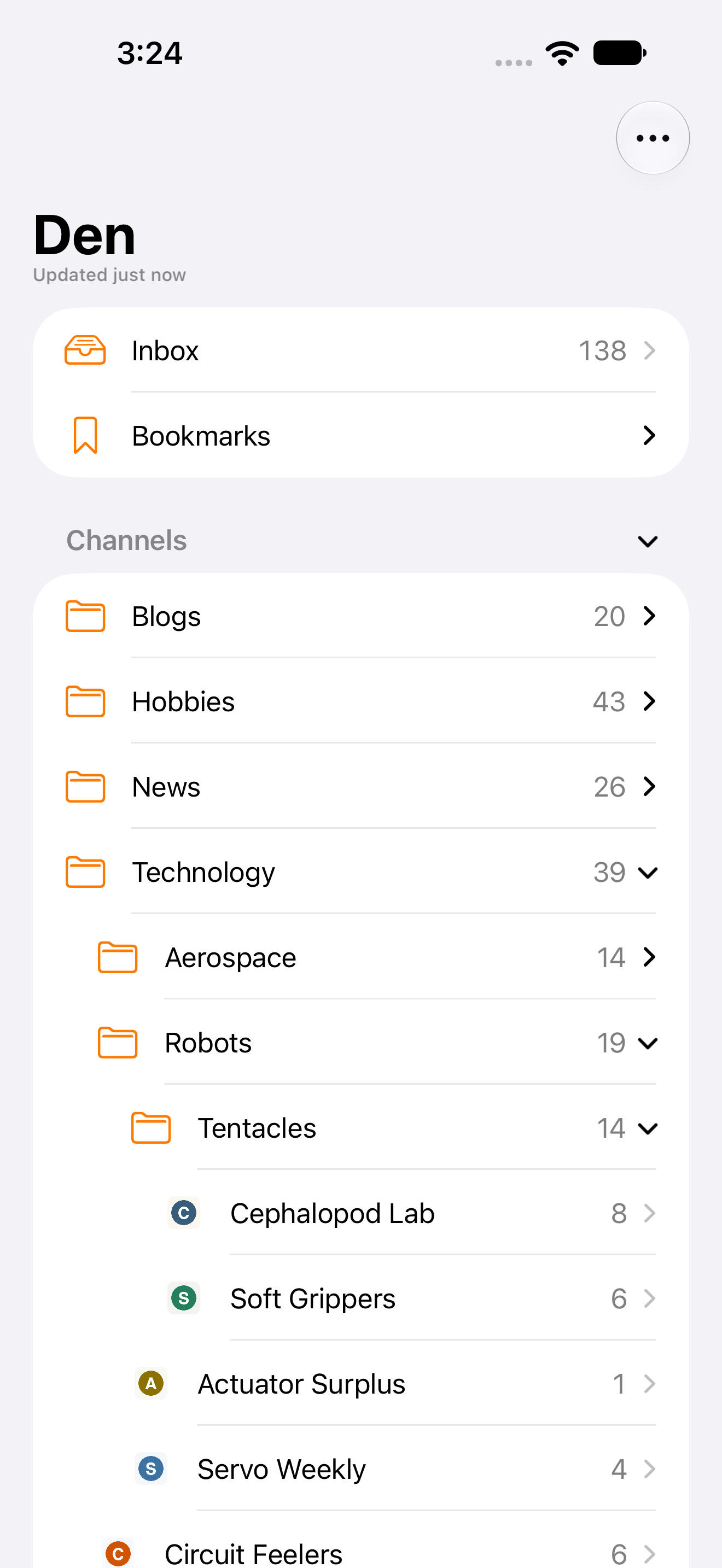
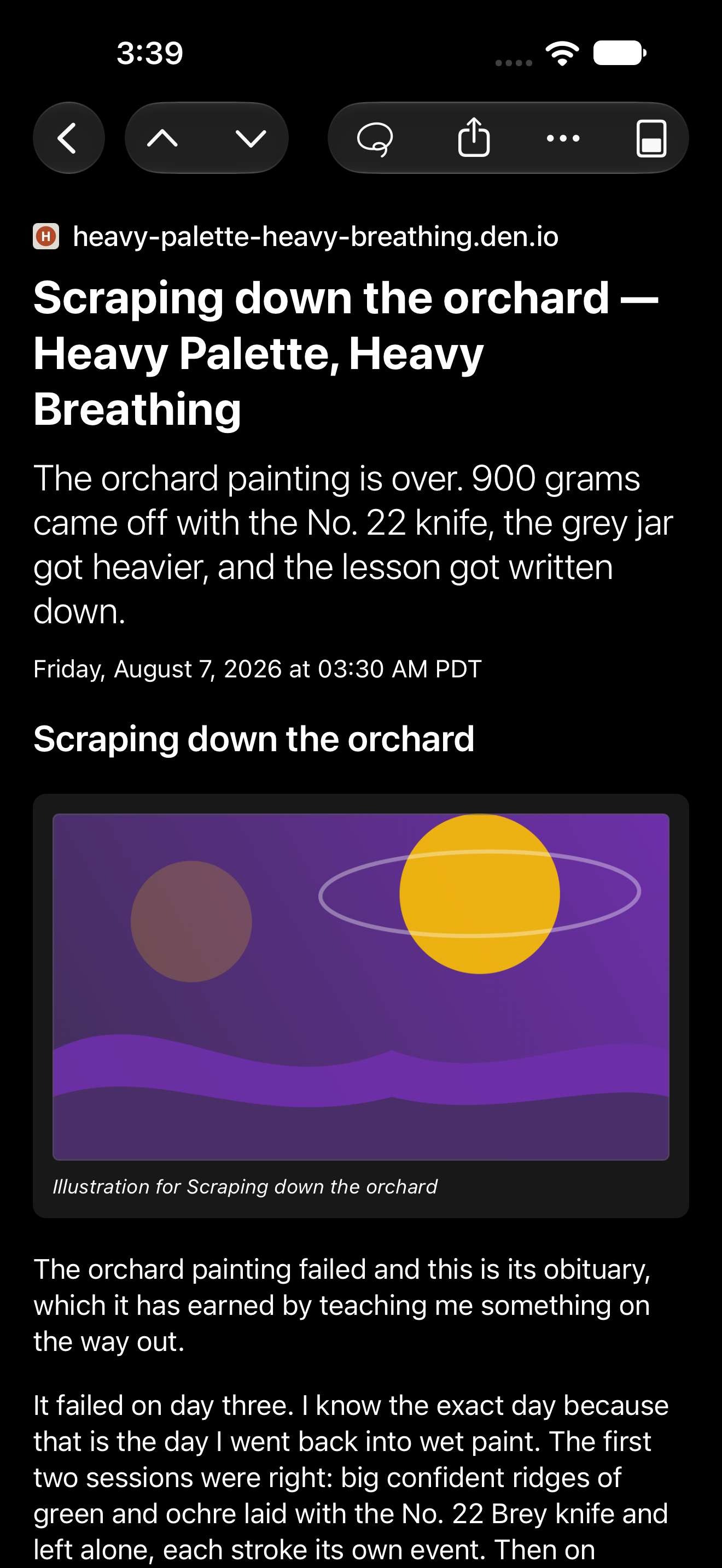
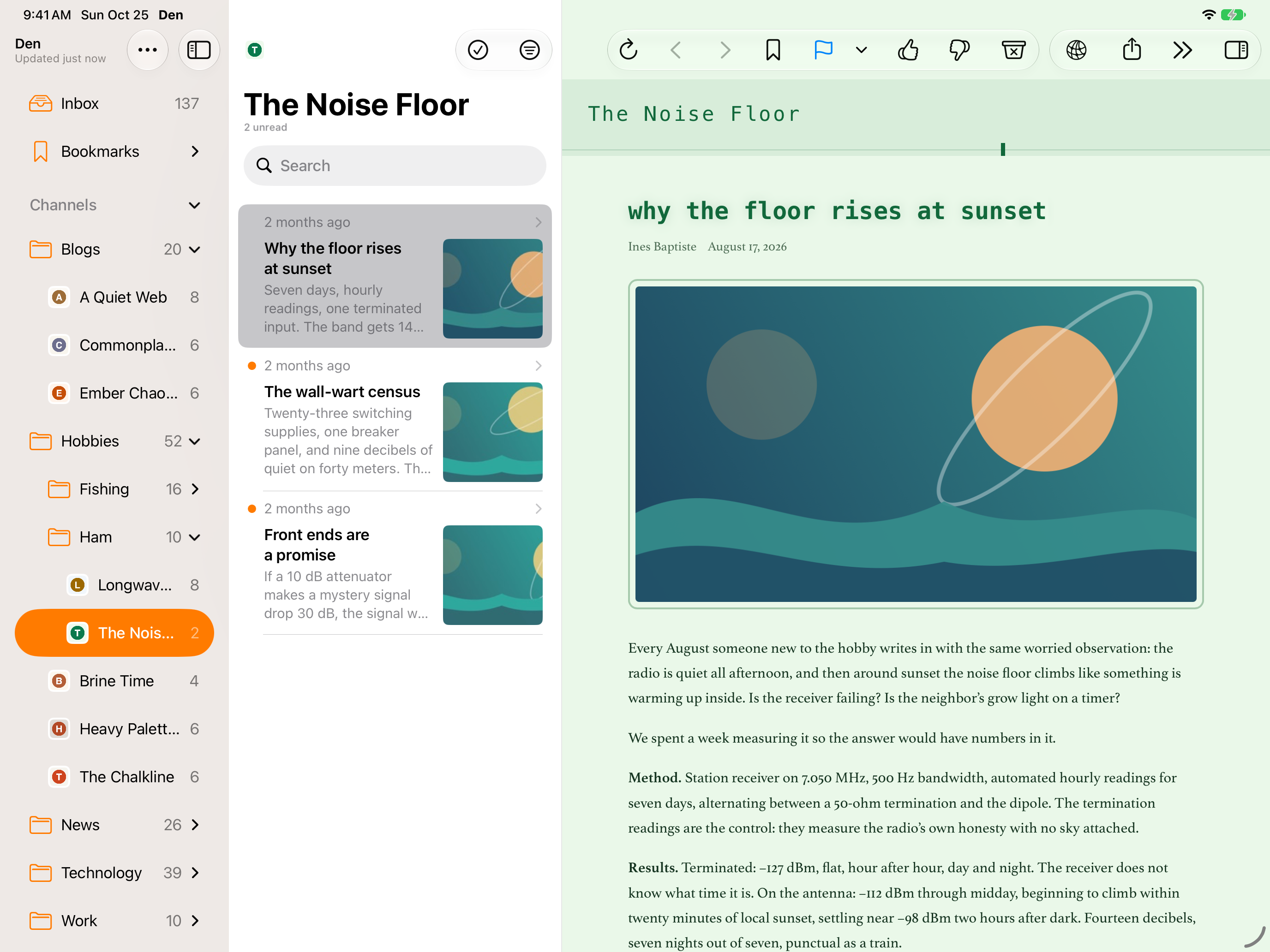
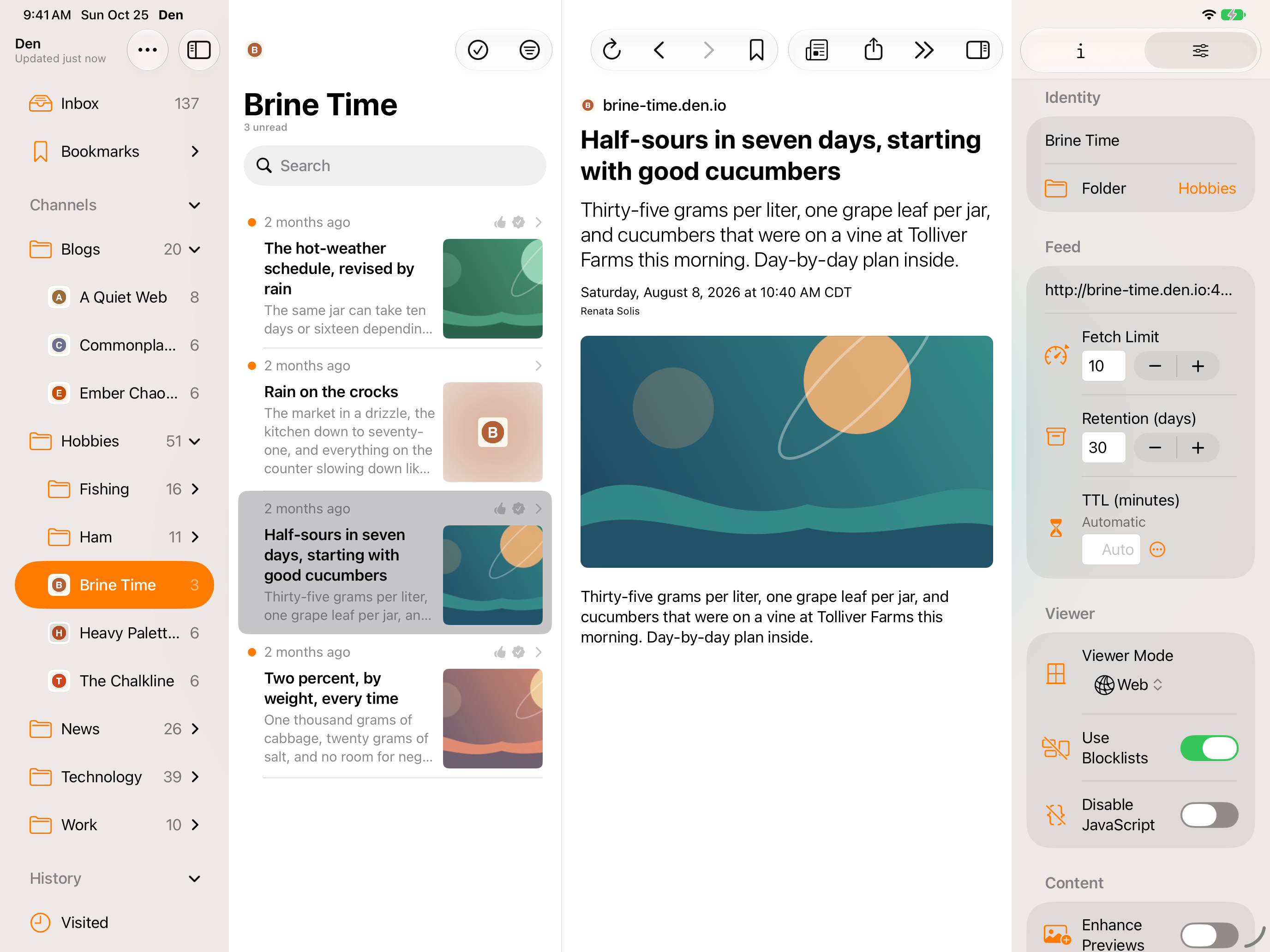
Den is a feed reader for following the web on your own terms. Subscribe to RSS, Atom, and JSON feeds from the sites you care about, organize them into folders, and catch up in one focused inbox instead of a dozen scattered tabs. Your library syncs privately through iCloud, so everything stays in step across iPhone, iPad, and Mac.
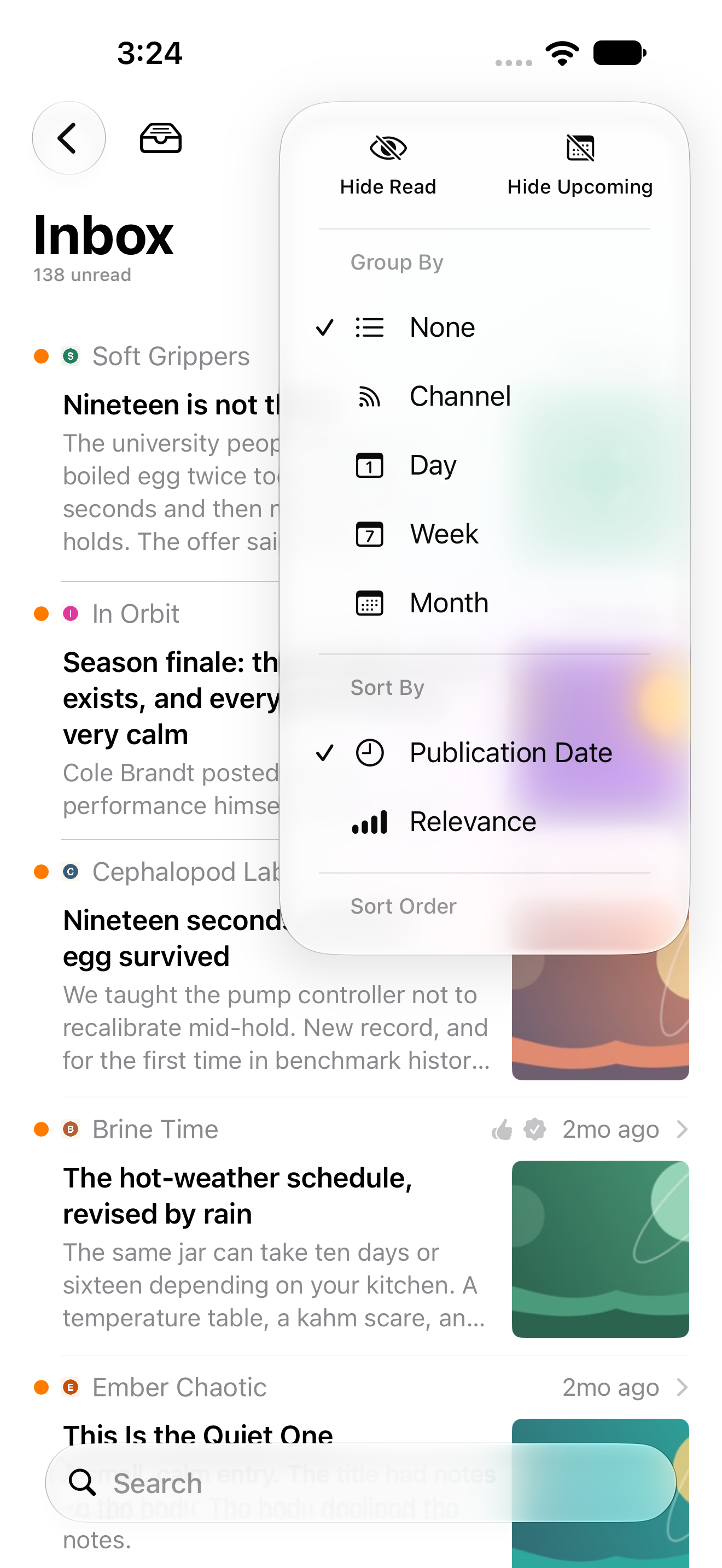
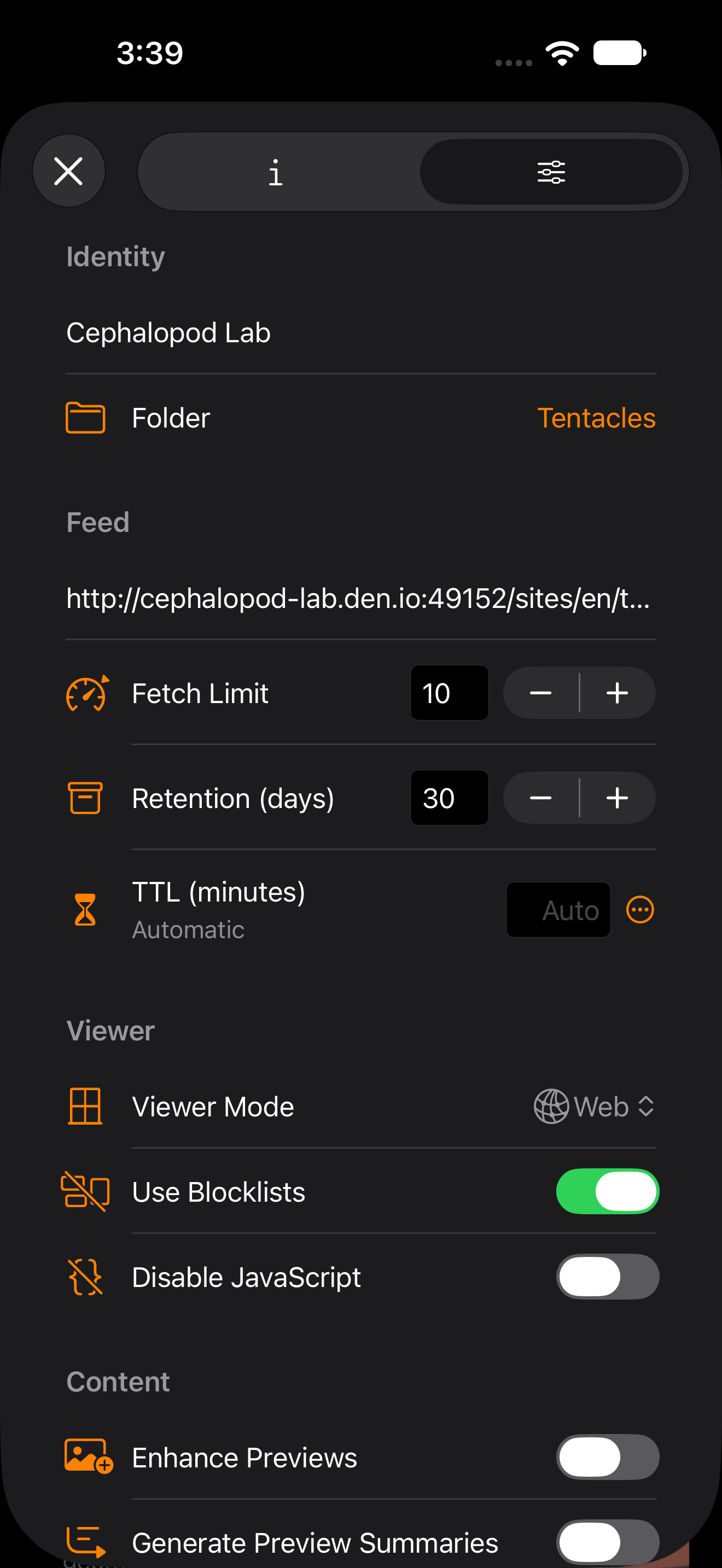
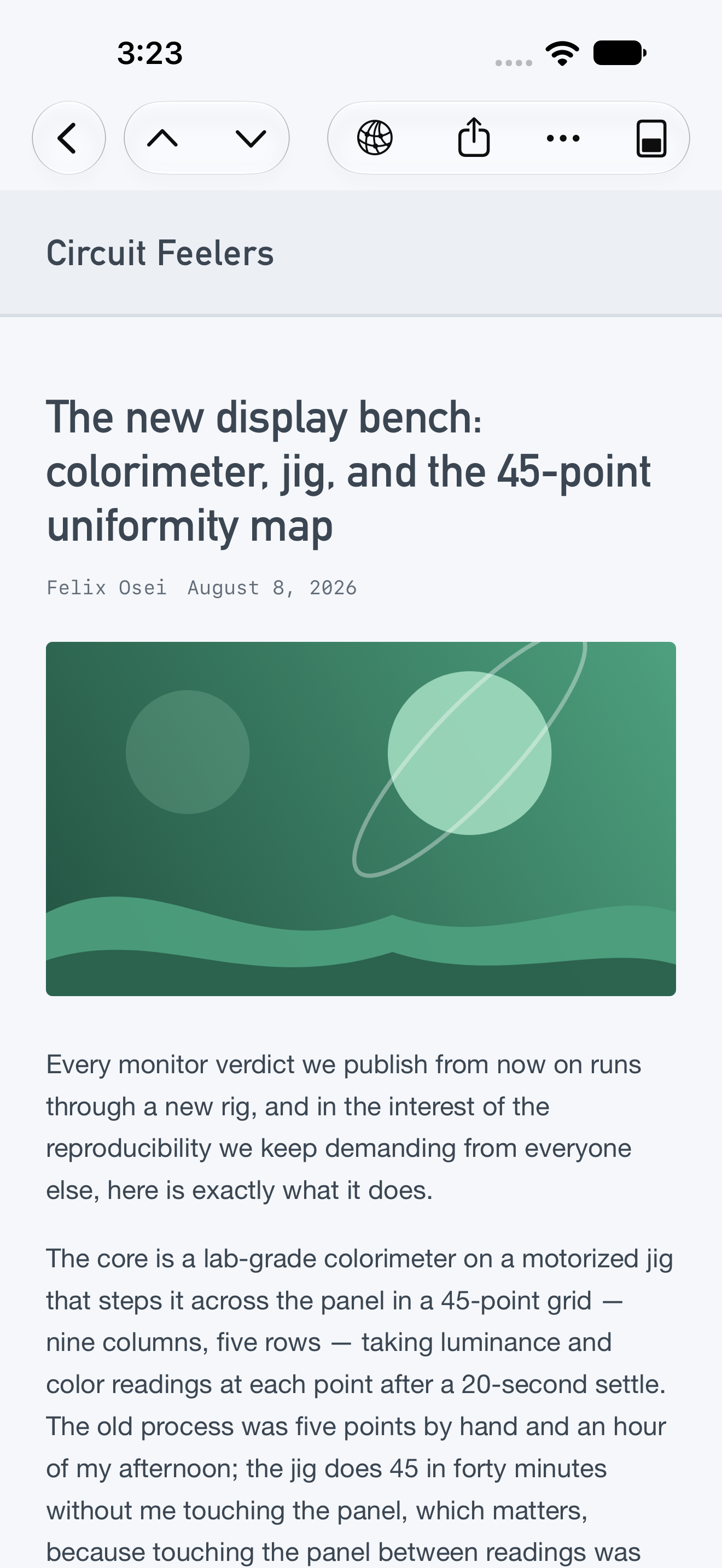
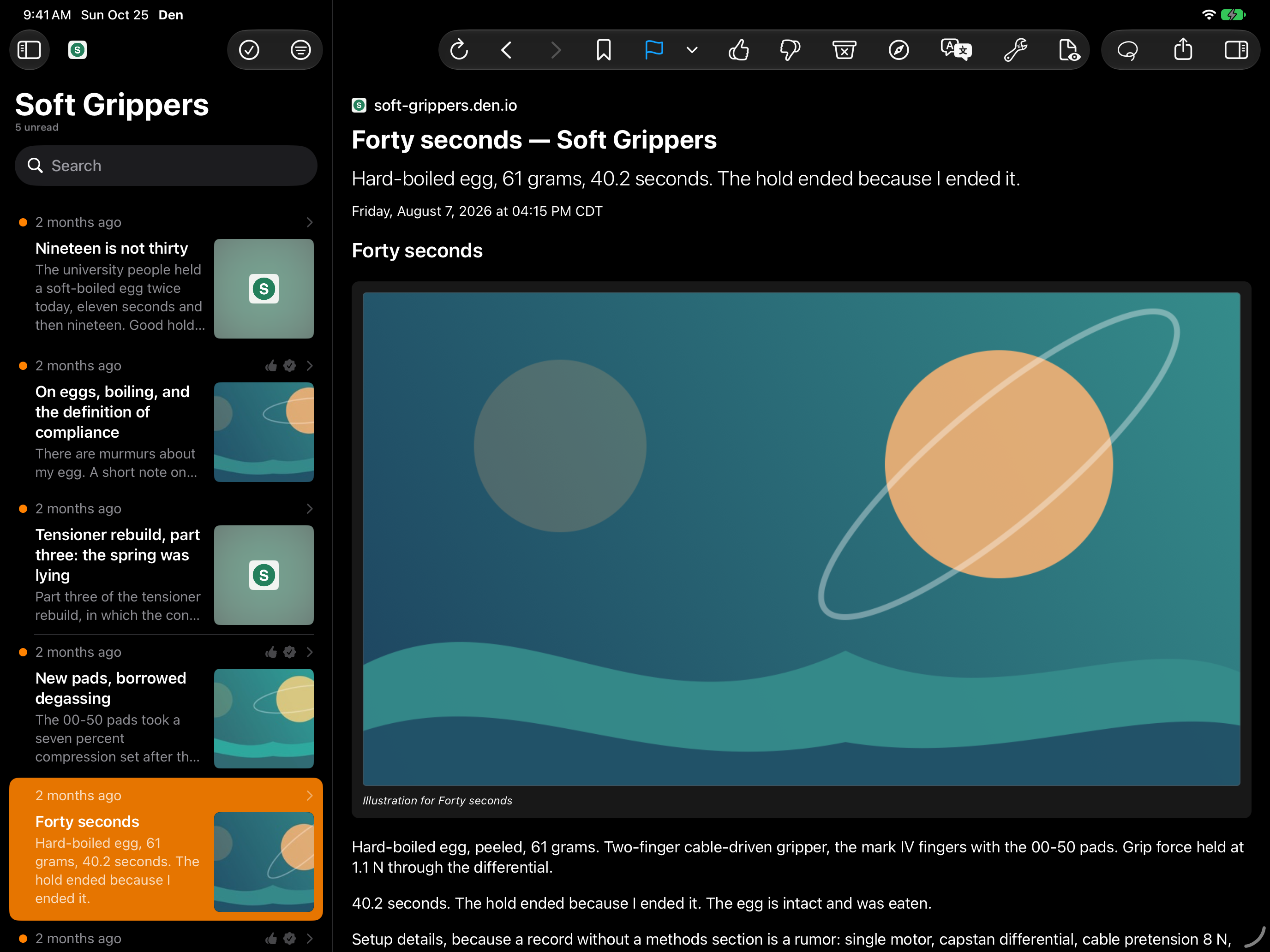
Den keeps reading comfortable as your library grows. Skim headlines, open articles in the built-in web viewer, or switch to Reader mode to clear away page clutter. Explore stories by topic, and create rules to flag, mark as read, or trash incoming articles automatically. Relevance scoring brings promising stories forward, while junk filtering gets distractions out of the way. You can even translate feeds written in other languages. Filtering, scoring, and translation all happen on device, keeping your reading habits private.
Den is built from the ground up to feel at home on iPhone and iPad. Text scales with Dynamic Type, and widgets keep new articles close at hand on your Home Screen. Find stories through Spotlight, automate your library with Shortcuts, and discover feeds as you browse with the Safari extension. Standard OPML import and export keeps your subscriptions portable. One purchase unlocks Den on all your devices, with no limits on feeds or articles.
Explore Feeds and Analyst use Apple Intelligence through Apple’s Private Cloud Compute. Article summaries use Apple Intelligence on device. These features require a compatible device with Apple Intelligence enabled and ready; availability varies by language and region. Explore Feeds and Analyst also require internet access and are subject to Apple’s service availability and usage limits. AI-generated results can contain errors; check the original sources. Reading articles, adding feeds by URL, and importing OPML work without Apple Intelligence.
Screenshots
iPad
iPhone